macOS still remembers exactly one thing you copied. Copy something new and the last thing is gone. That is why clipboard managers exist, and why there are so many of them.
We make one of the four below, Cubby, so read this knowing that. We have tried to be straight about where each of the others is the better choice, because the right answer depends on what you actually do all day.
The short version
| Cubby | Paste | Maccy | CleanShot X | |
|---|---|---|---|---|
| What it is | Clipboard history, screenshots and screen recording in one | Clipboard history with sync | Clipboard history, nothing else | Screenshots and recording |
| Price | $12 once, 14-day free trial | $29.99 a year, or $89.99 lifetime | Free, or $9.99 on the App Store | $29 once, updates $19 a year after the first |
| Syncs to iPhone | No | Yes | No | Cloud links, not clipboard |
| Screenshots | Yes | No | No | Yes, the most complete |
| Screen recording and GIFs | Yes | No | No | Yes |
| Works offline, no account | Yes | Yes, sync needs iCloud | Yes | Yes, cloud is optional |
Maccy: the best free answer
If all you want is a history of what you copied, Maccy is hard to argue with. It is open source, it is fast, and it costs nothing. You press a shortcut, type a few letters, and pick the thing you copied an hour ago. It handles images as well as text.
What it does not do is capture anything. Screenshots and recordings still go through macOS, land on your Desktop, and have to be found and dragged in. If your day is mostly text, that may never bother you.
Paste: the pick if you live on an iPhone too
Paste is the polished, visual option, and its real reason to exist is sync. Copy a link on your Mac and paste it on your iPhone. It has pinboards for organizing things you reuse, and it can search the text inside images you have copied.
The cost is the subscription, $29.99 a year, though there is a lifetime plan at $89.99. If you move between a Mac and an iPhone all day, that sync is worth paying for, and none of the other three do it.
CleanShot X: the pick for screenshots done properly
CleanShot X is the most complete screenshot tool on the Mac: scrolling captures, a floating preview, cloud links you can share, annotation, recording and GIFs. If screenshots are a big part of your job and you want every option, it is the one.
It is not a clipboard manager, though. Your copied text lives somewhere else, so most people who use it run a second app like Maccy or Paste beside it.
Cubby: one history for everything you copy and capture
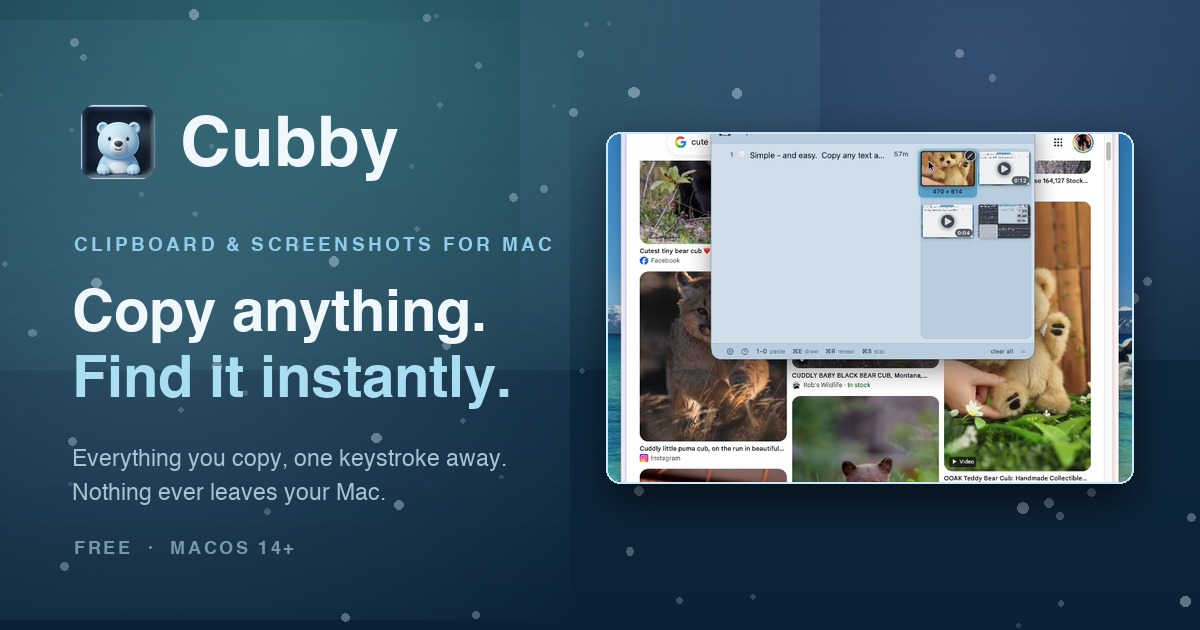
Cubby's idea is that text, screenshots and recordings belong in the same place. Tap the right ⌘ key and a panel shows everything you have copied or captured. Press a number and it pastes straight into the app you were in. The panel never takes focus, so your cursor stays where it was.
- Screenshots skip the Desktop. Tap right ⌥, drag a region, and it lands in the history ready to paste.
- Recordings become GIFs. Record a corner of the screen, trim it, and turn it into a GIF you can paste into Slack, an email or a pull request like a picture.
- Paste several at once. Hold Shift and arrow across a few screenshots, press Return, and they all paste in order.
- Read text off the screen. An error dialog, a screenshot someone sent you: Cubby reads it on your Mac and puts the words on your clipboard.
It is $12 once, with no subscription and no account, and nothing leaves your Mac. What it does not have: no iPhone sync, and no scrolling screenshots or cloud links. If you need those, Paste or CleanShot X will serve you better.
So which one?
- You want clipboard history and nothing else, for free: Maccy.
- You copy on your Mac and paste on your iPhone: Paste.
- Screenshots are your job: CleanShot X, probably with Maccy beside it.
- You copy text, take screenshots and record your screen, and want all of it one keystroke away without running two apps: Cubby.
Prices are as listed by each developer in September 2026.